HAIR GUIDE · 21 OCT 2026
What Would I Look Like With Blonde Hair?
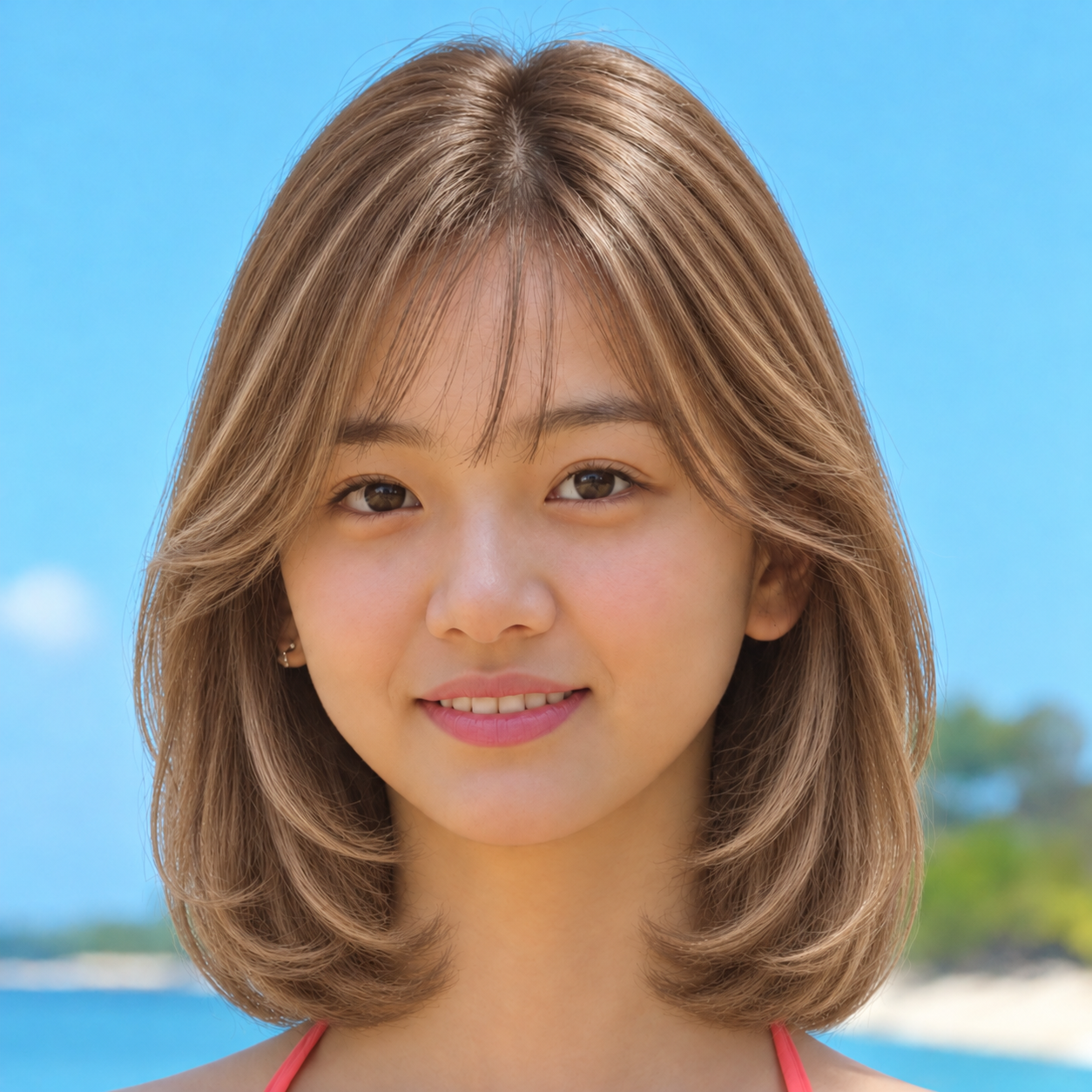
Try a blonde preview beside your current hair color under similar light. Focus on whether you prefer a warmer or cooler impression, rather than expecting the preview to match a salon dye result exactly.
Compare like for like
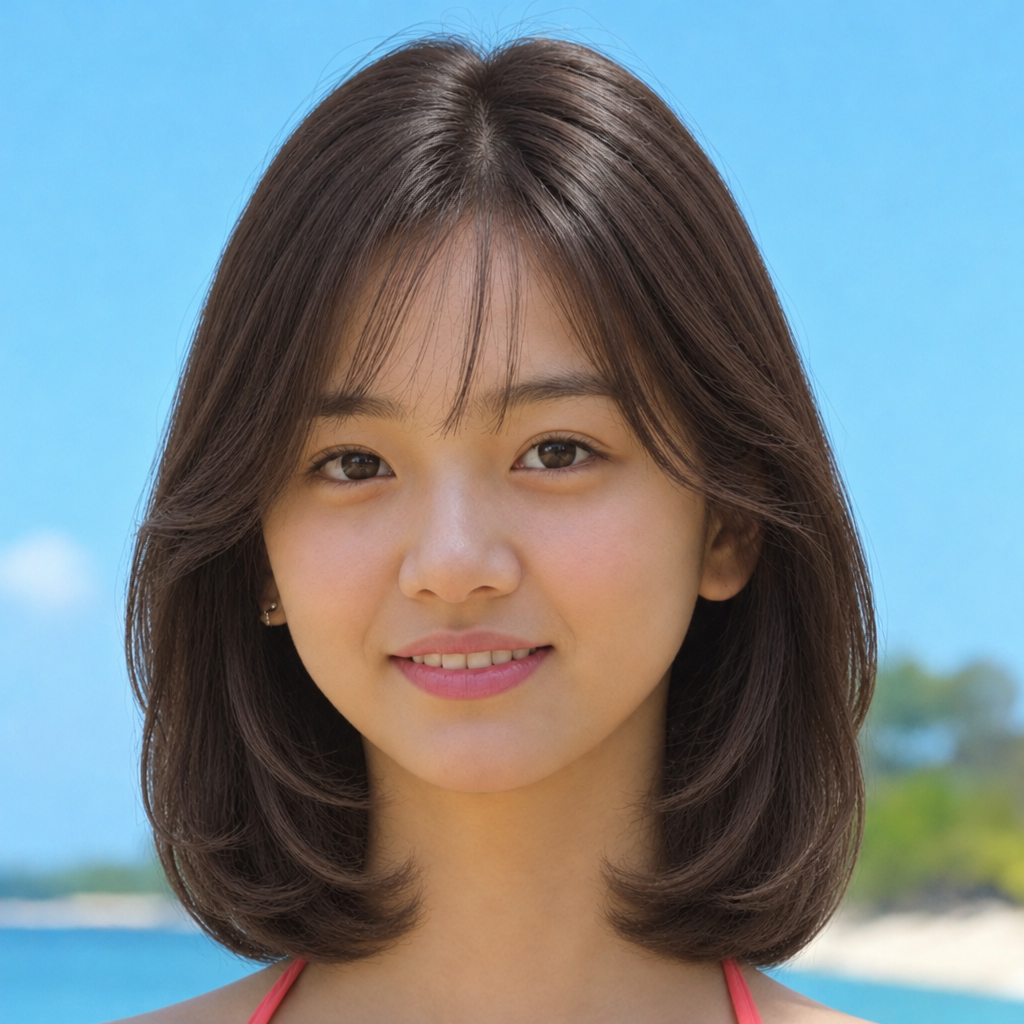
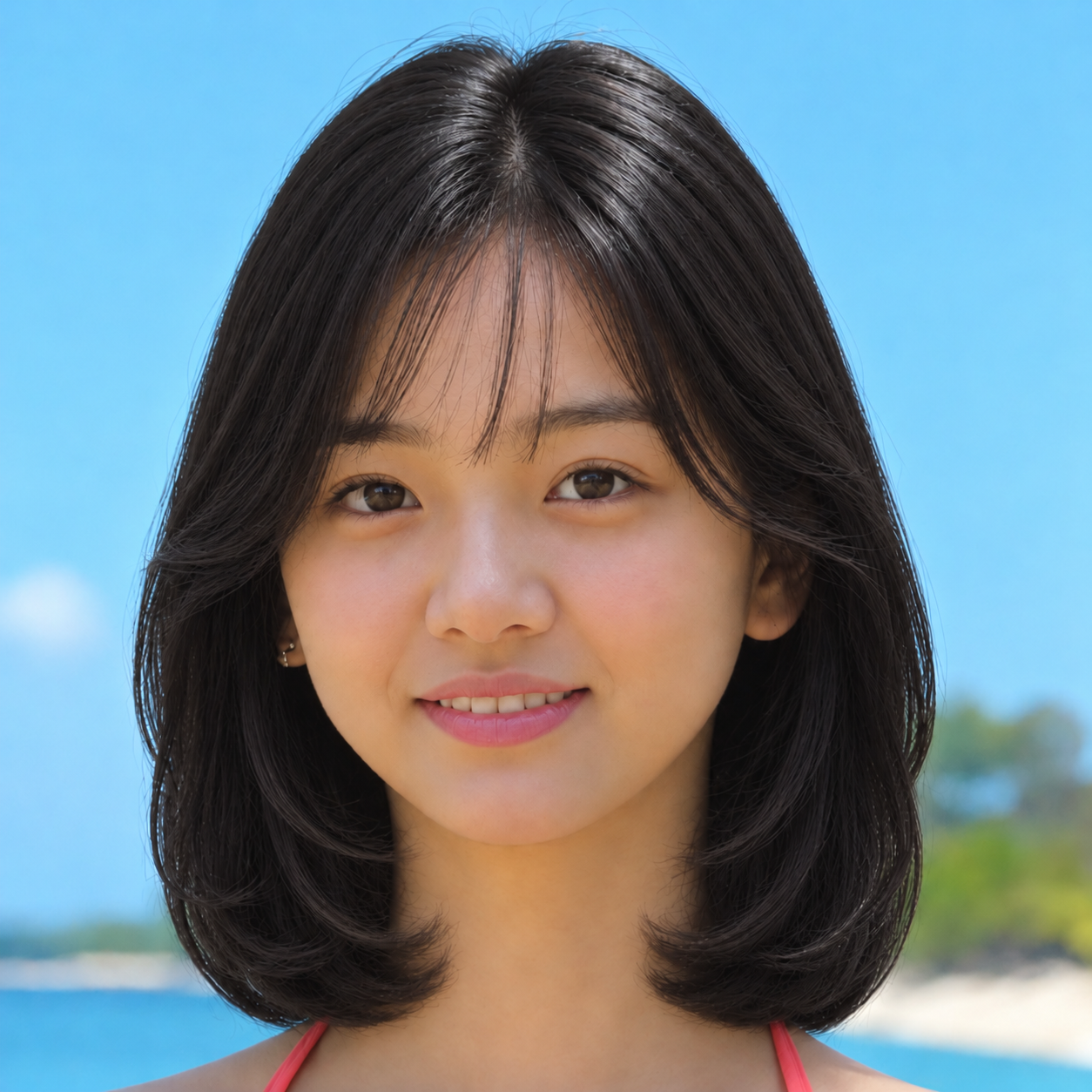
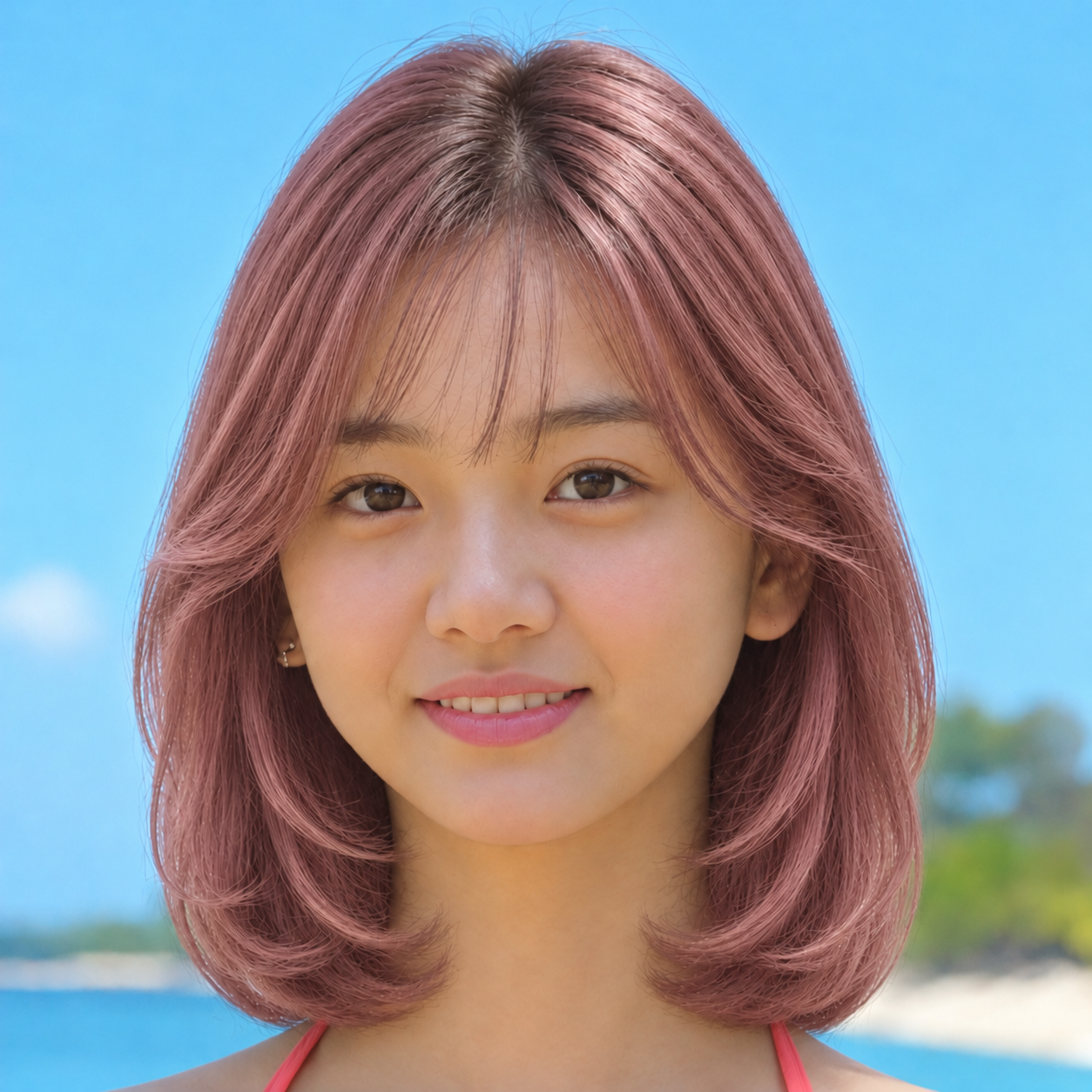
Use the same face, crop, hairstyle and background when comparing colors. The image above changes hair color while retaining the starting portrait. You can also compare black and pink examples below; those are illustrative edits, not photos of dye outcomes.
Check the result in a few lighting conditions if possible. Screen color, your starting hair color and the stylist’s process can all affect a real result.
Pick a direction, not just a name
Honey and golden blondes look warmer; ash and beige shades tend to read cooler. A stylist can help you choose a feasible target based on your current color, hair history and desired maintenance.
The amount of lightening and upkeep vary. Do not assume one session or an AI preview can predict the final shade or the condition of your hair.
Preview before committing
Keep your original image next to each edited color, note the shade you prefer and bring both to a salon consultation. TryOnMe’s hair color changer can help you explore a selected shade on your photo.
Our examples use one subject. Individual results may differ, and viewing a preview does not itself color your hair.
Color comparison on the same portrait
Explore the next step
Use the guides to narrow your choice, then view available styles. Photo-based AI generation may require a paid credit.